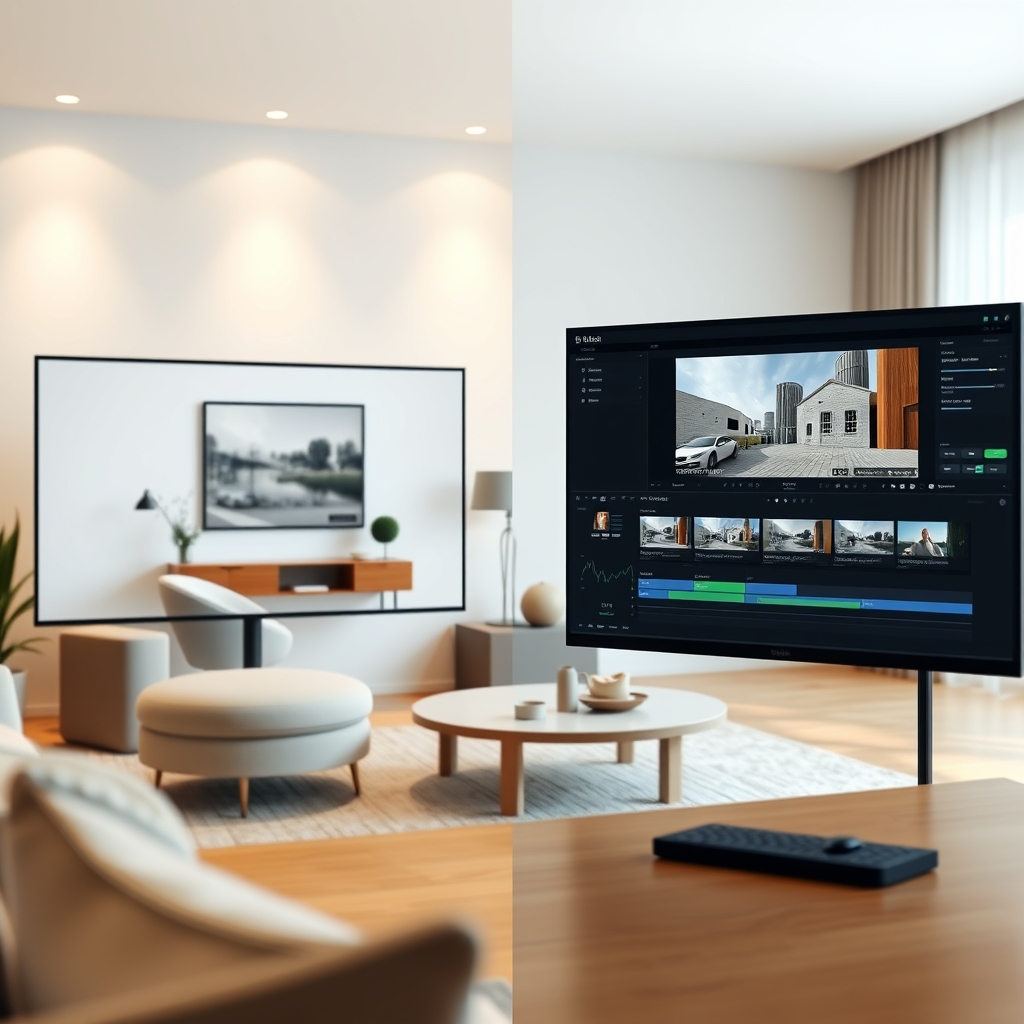
Virtual staging and text overlays are two of the most powerful tools in real estate video editing. When done right, they elevate a property tour from a simple walkthrough to a polished marketing asset. When done wrong, they can confuse buyers, misrepresent spaces, and make your work look amateur. As a real estate videographer, knowing the do's and don'ts is essential—especially if you're outsourcing these tasks to a video editing partner.
Why Virtual Staging and Text Overlays Matter
In today's competitive market, listings need to stand out. Virtual staging allows you to furnish empty rooms digitally, helping buyers imagine living there. Text overlays, on the other hand, provide context—room dimensions, unique features, or neighborhood perks—without interrupting the flow of the video. Both are integral parts of professional video post-production.
Virtual Staging: The Do's
When using virtual staging in your property tour, follow these guidelines:
- Do keep it realistic. Use furniture that matches the home's style, scale, and lighting. A modern condo shouldn't have rustic farmhouse pieces.
- Do showcase empty rooms as well. Show the actual empty space briefly before or after the staged version. This builds trust with buyers.
- Do maintain proper perspective. Ensure furniture sits naturally on the floor and aligns with the room's angles. Poor alignment is a dead giveaway of fake staging.
- Do use virtual staging to declutter. For occupied homes, you can remove existing furniture that may distract or date the property.
Virtual staging isn't about deception—it's about helping buyers visualize potential. Always stay truthful about the property's condition.
Virtual Staging: The Don'ts
- Don't over-stage. Too much furniture can make a room feel smaller. Keep it minimal and purposeful.
- Don't misrepresent the property. Never add structural changes like walls, windows, or different flooring. That crosses an ethical line.
- Don't ignore lighting and shadows. Furniture must cast shadows consistent with the room's natural light. Ignoring this makes the edit look fake.
- Don't forget to mention virtual staging. Always disclose that images or video include virtual staging in your listing description or on-screen disclaimer.
Text Overlays: The Do's
Text overlays can guide viewers and highlight selling points. Here's how to use them effectively:
- Do keep it short. Use 3-5 words per overlay. "Chef's Kitchen" or "10-ft Ceilings" is enough.
- Do use consistent branding. Match fonts, colors, and placement to the real estate agent's or your own brand guidelines.
- Do time overlays correctly. Overlays should appear when the relevant feature is on screen and stay long enough to read.
- Do use lower-thirds. Placing text in the lower third of the frame keeps the property as the main focus.
Text Overlays: The Don'ts
- Don't overload the screen. Too much text distracts from the video. Viewers should watch the home, not read an essay.
- Don't use unreadable fonts or colors. Ensure high contrast against the background. White text with a subtle drop shadow works in most cases.
- Don't let overlays linger too long. Text that stays on screen after the feature has gone confuses viewers.
- Don't skip proofreading. Typos in a professional property tour can damage your credibility.
Outsource These Edits to a Video Editing Partner
Mastering virtual staging and text overlays takes time and a keen eye. Many real estate videographers and production teams choose outsourced video editing to handle these tasks. A skilled video editing partner can deliver consistent, high-quality results while you focus on shooting. At Hoang Editor, we specialize in real estate video editing that includes virtual staging and tasteful text overlays, tailored to your brand.
Ready to scale your video business?
We edit real estate videos so you can focus on shooting.
Start a Project →