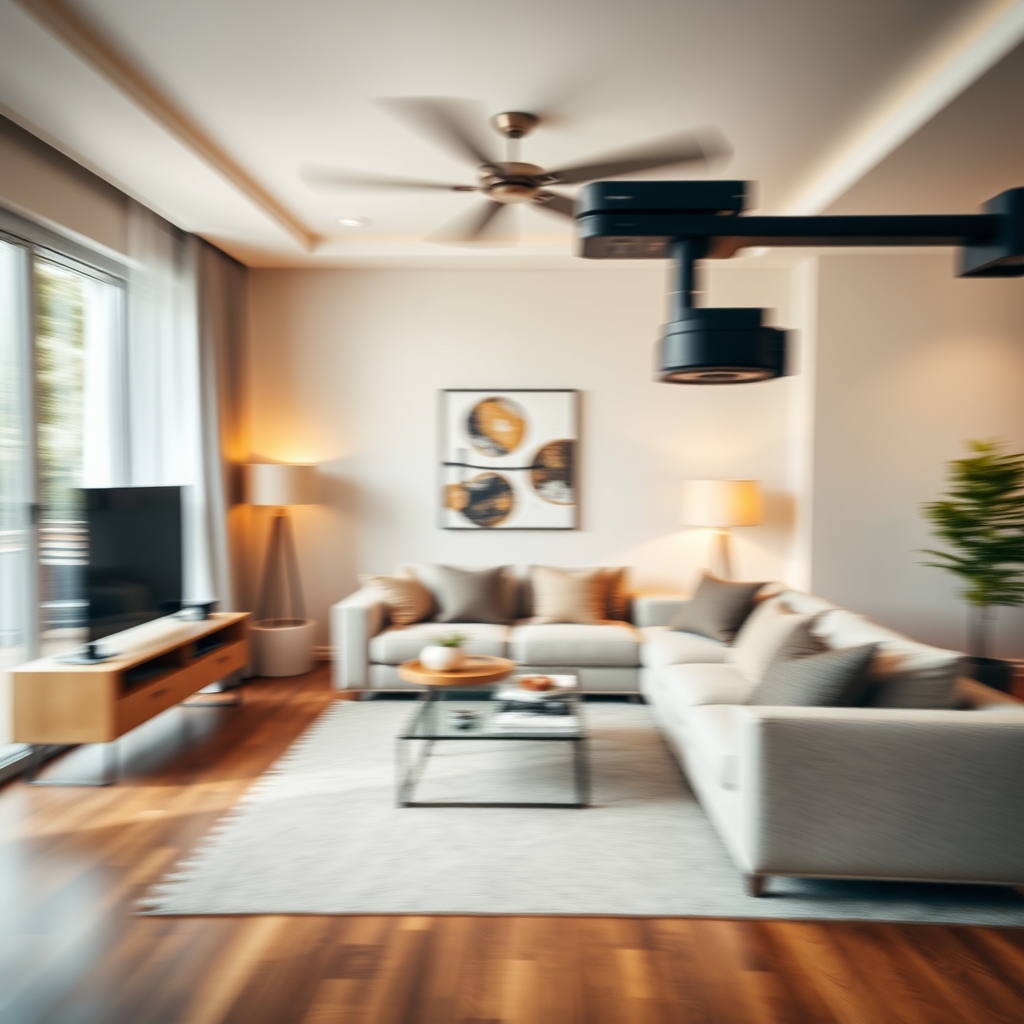
What is Speed Ramping in Real Estate Video Editing?
Speed ramping is a video post-production technique where the playback speed of a clip gradually changes—either accelerating or decelerating—within a single shot. In real estate video editing, this effect adds a dynamic, cinematic feel to property tours, drawing the viewer’s eye to key spaces and creating seamless transitions between rooms. A well-executed speed ramp can turn a static walkthrough into an engaging visual journey.
When to Use Speed Ramping in a Property Tour
Not every shot benefits from speed ramping. Savvy real estate videographers use it strategically to enhance storytelling rather than distract. Here are the most effective moments to apply it:
1. Transitioning Between Key Spaces
Use a speed ramp to glide from the living room to the kitchen, or from the hallway to the master suite. Speeding up through less important areas (like a corridor) and slowing down as you enter a highlight room creates a natural rhythm that guides the viewer’s attention.
2. Highlighting Architectural Details or Features
If a home has a stunning staircase, a double-height ceiling, or a luxury walk-in closet, begin the shot at normal speed, then ramp down to slow motion as you approach the feature. This subtle emphasis tells the viewer, “Look here—this is special.”
3. Creating Cinematic Intros and Outros
Start your property tour with a quick speed ramp through the front door—fast approach, slow reveal of the foyer. Or end with a slow ramp away from the backyard at sunset. These bookends make the video feel polished and intentional.
How to Use Speed Ramping Effectively
Speed ramping is a powerful tool, but it requires careful execution. Here’s how to nail it in your real estate video editing workflow:
Choose Footage with Smooth Motion
Speed ramps work best on clips shot with a gimbal, slider, or drone—where motion is already fluid. Shaky handheld footage will look even more unstable when sped up or slowed down. If you’re a real estate videographer, always capture your ramps on stabilized gear.
Match the Ramp to the Music Beat
In video post-production, synchronize the speed change with a beat drop or musical accent. This alignment makes the ramp feel intentional and energetic. Your editing software’s timeline markers can help you time the ramp precisely.
Use Ramps Sparingly
Too many speed ramps can make a property tour feel chaotic. Aim for one or two per minute at most. Let the normal-speed footage breathe so viewers can actually see the home.
Keep the Easing Smooth
Abrupt speed changes are jarring. Use bezier keyframes to create a gradual acceleration or deceleration. Most editing programs (Premiere Pro, DaVinci Resolve, Final Cut Pro) allow you to adjust the curve of the speed ramp for a buttery-smooth transition.
Outsource Your Speed Ramping to a Professional Video Editing Partner
Speed ramping is a skill that takes time to master—and time is something most real estate videographers and production teams don’t have enough of. That’s where outsourced video editing comes in. At Hoang Editor, we specialize in real estate video editing, including advanced speed ramping, color grading, and sound design. Our team becomes your dedicated video editing partner, delivering polished property tours that help you win more clients and close more listings.
Whether you shoot luxury estates or cozy condos, we’ll apply speed ramps tastefully and on-brief, so your final videos stand out in a crowded market.
Ready to scale your video business?
We edit real estate videos so you can focus on shooting.
Start a Project →