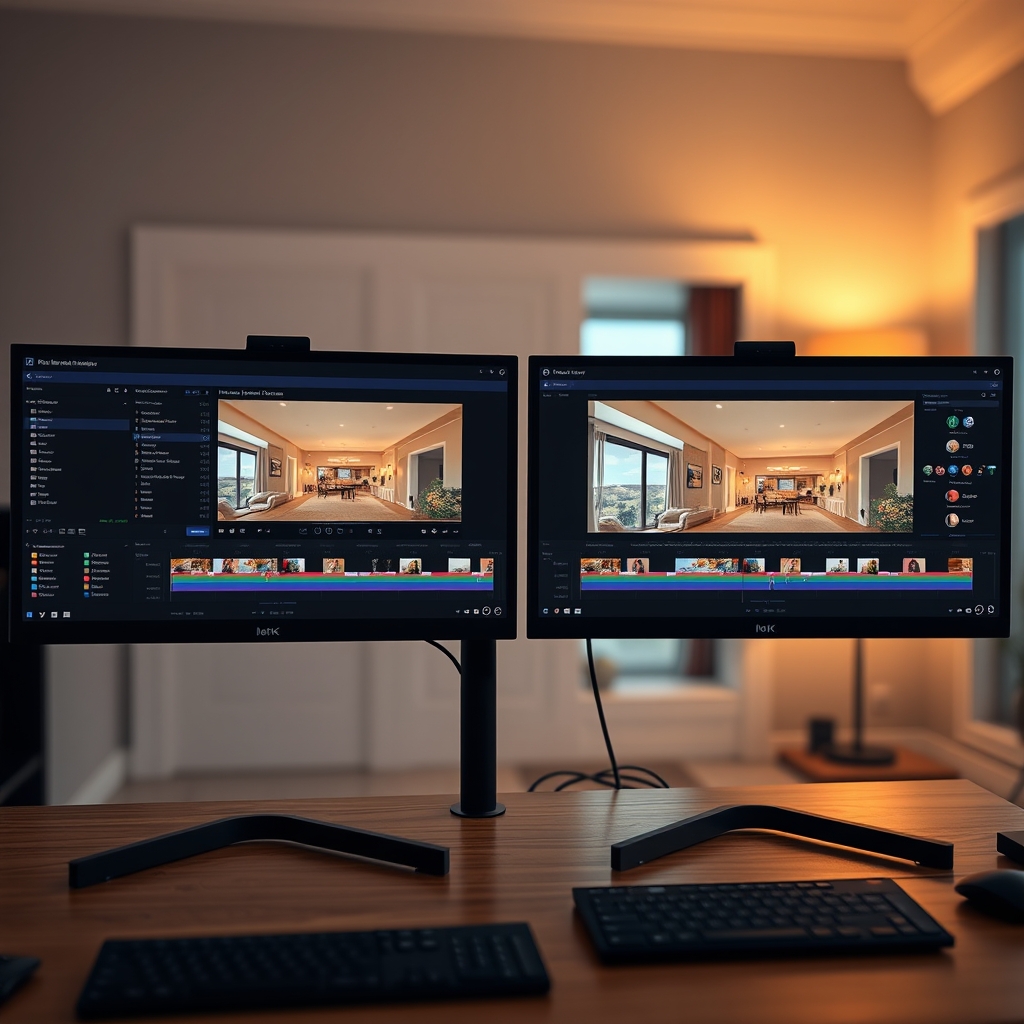
As a real estate videographer, your choice of editing software directly impacts the quality, speed, and profitability of your property tours. Two industry giants dominate the conversation: Adobe Premiere Pro and DaVinci Resolve. Both are powerful, but they cater to different needs in real estate video editing. In this guide, we compare the two so you can decide which fits your video post-production workflow—or whether outsourcing to a video editing partner is the smarter move.
Adobe Premiere Pro: The Industry Standard for Real Estate Videographers
Premiere Pro has long been the go-to tool for professional editors across film, TV, and real estate. Its deep integration with Adobe Creative Cloud makes it a natural choice for teams already using Photoshop, After Effects, or Lightroom.
Pros for Real Estate Video Editing
- Extensive plugin ecosystem: From motion graphics templates to real estate-specific transitions, Premiere Pro offers unmatched flexibility.
- Lumetri Color panel: While not as advanced as DaVinci, it still provides robust color correction for bright, airy interiors and true-to-life exteriors.
- Collaboration features: Team projects and shared libraries let production teams work simultaneously on large video post-production pipelines.
- Familiar interface: Most real estate videographers already know Premiere, reducing training time.
Cons
- Subscription cost: Adobe's monthly fee can add up, especially for solo videographers.
- Hardware demands: Premiere Pro can be sluggish on older machines, slowing down quick turnaround property tours.
DaVinci Resolve: The Color Grading Powerhouse
DaVinci Resolve has evolved from a dedicated color grading tool into a full-featured editor. Its free version is astonishingly capable, making it a favorite among budget-conscious real estate videographers.
Pros for Real Estate Video Editing
- Superior color grading: DaVinci's node-based color tools let you precisely balance interior lighting, fix mixed color temperatures, and make every property tour look stunning.
- Free version availability: You can produce professional real estate videos without spending a dime—perfect for starting videographers.
- Fairlight audio: Built-in audio tools clean up ambient noise and smooth voiceovers without leaving the app.
- Fusion visual effects: Advanced compositing for virtual staging or sky replacement is available at no extra cost.
Cons
- Steeper learning curve: The interface can overwhelm beginners, especially those coming from Premiere.
- Hardware requirements: Resolve thrives on powerful GPUs; an underpowered laptop will struggle with 4K property tours.
Which One Should You Choose?
The answer depends on your priorities:
- If you need seamless integration with other creative tools and collaborate with a production team that uses Adobe, Premiere Pro is the safer bet.
- If you want the best possible color grading without ongoing costs, DaVinci Resolve is unbeatable.
- If you value speed and simplicity above all, consider skipping the software learning curve entirely and outsourcing your video post-production.
Many successful real estate videographers now choose to partner with a professional video editing partner instead of spending hours in editing software. Outsourced video editing lets you focus on shooting more properties, knowing your footage will be transformed into polished property tours by experts who master both Premiere Pro and DaVinci Resolve.
Pro tip: You don't have to choose between software—let an outsourced editing team handle the technical details while you grow your business.
Whichever path you take, investing in high-quality real estate video editing is non-negotiable for standing out in a crowded market.
Ready to scale your video business?
We edit real estate videos so you can focus on shooting.
Start a Project →