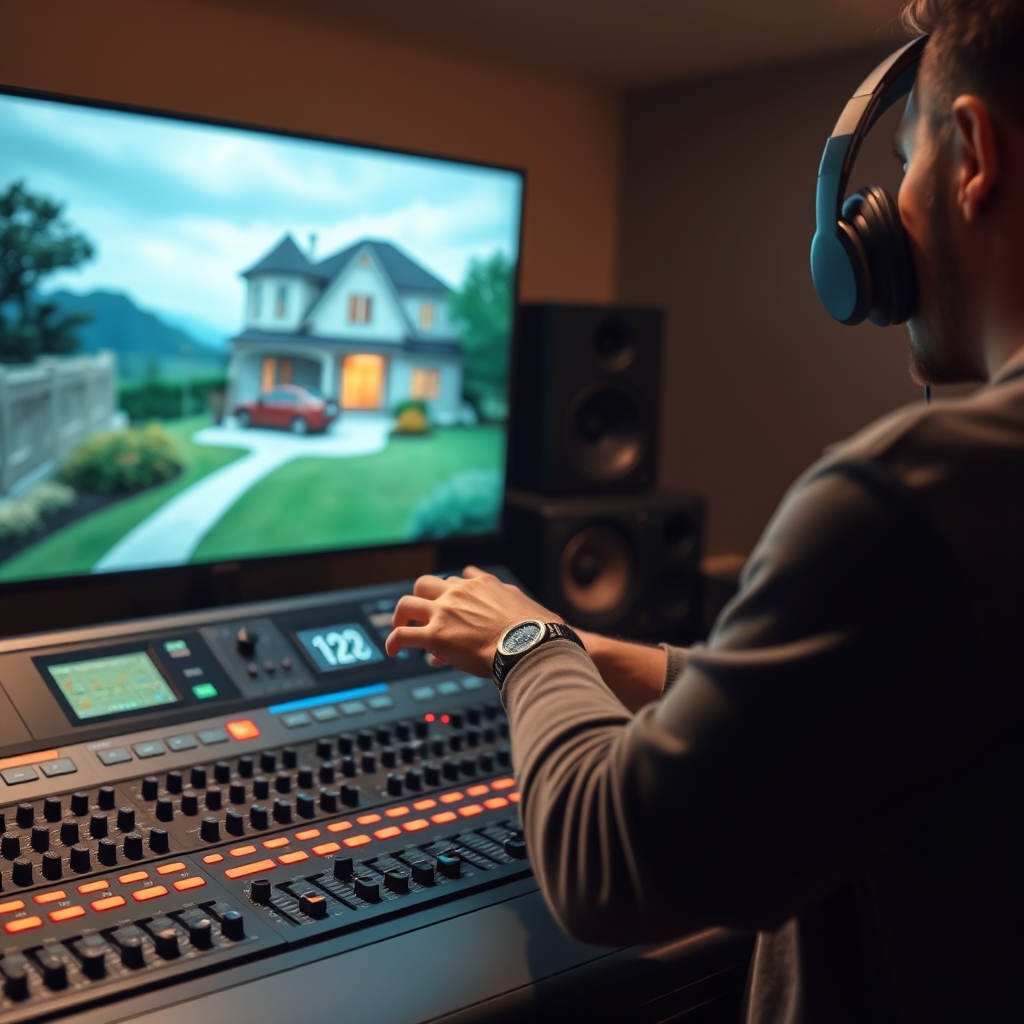
Introduction to Audio Mixing for Real Estate Videos
As a real estate videographer or part of a production team, capturing high-quality video footage is crucial, but it's equally important to ensure the audio is polished and professional. In this blog post, we'll delve into the world of audio mixing, focusing on EQ, compression, and background music ducking to elevate your property tour videos.
Understanding EQ for Clear Dialogue
Equalization (EQ) is the process of adjusting the tone of your audio to make it sound more natural and clear. For real estate video editing, the goal is to make the agent's voice sound crisp and understandable, even in noisy environments. By applying subtle EQ adjustments, you can reduce unwanted frequencies and enhance the dialogue.
Applying EQ to Agent Walkthroughs
When applying EQ to agent walkthroughs, focus on cutting low frequencies (below 100 Hz) to remove rumble and hum, and boost mid-frequencies (around 5 kHz) to enhance clarity. Be cautious not to over-EQ, as this can lead to an unnatural sound.
Compression for Consistent Audio Levels
Compression reduces the dynamic range of your audio, keeping loud and quiet parts at a consistent level. This is particularly useful for real estate videographers who need to ensure the agent's voice is audible over background noise. By applying compression, you can prevent loud peaks and keep the audio level consistent.
Using Compression in Real Estate Video Editing
When using compression in real estate video editing, set the threshold to around -20 dB and the ratio to 3:1 or 4:1. This will help reduce loud peaks and even out the audio level. Be careful not to over-compress, as this can lead to a lifeless sound.
Background Music Ducking for Professional Results
Background music ducking is a technique used to automatically reduce the level of background music when dialogue is present. This ensures the agent's voice is always clear and audible, even when background music is playing. By using ducking, you can create a professional and polished sound for your property tour videos.
Implementing Music Ducking in Your Workflow
To implement music ducking in your workflow, use a plugin or software that supports ducking, such as Adobe Audition or Avid Pro Tools. Set the ducking threshold to around -20 dB and the ratio to 3:1 or 4:1, and adjust to taste. This will help create a balanced mix between the background music and the agent's voice.
Outsourcing Audio Mixing for Real Estate Videos
If you're looking to outsource your audio mixing, consider partnering with a professional video editing partner who specializes in real estate video editing. They can help you achieve high-quality audio that enhances your property tour videos and sets you apart from the competition.
Ready to scale your video business?
We edit real estate videos so you can focus on shooting.
Start a Project →