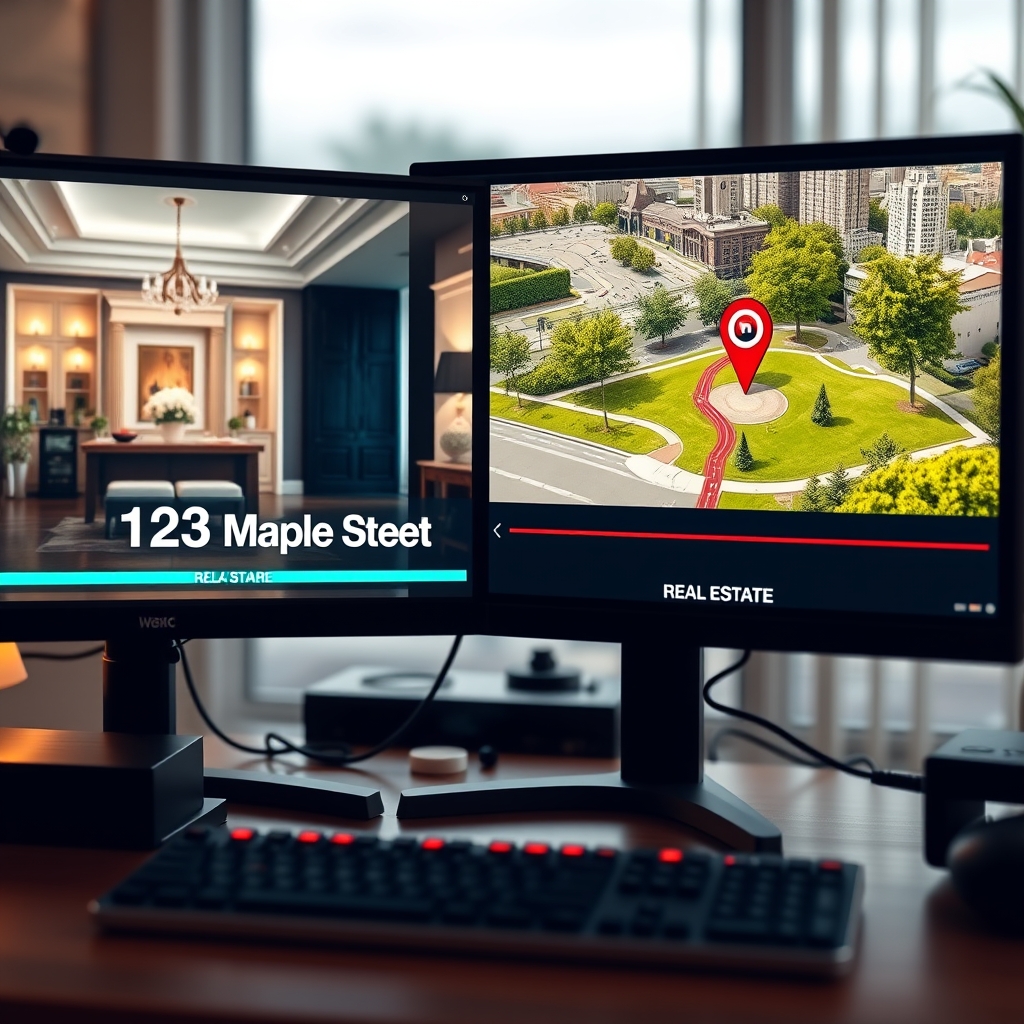
As a real estate videographer, you already know that a stunning property tour can captivate buyers. But raw footage alone rarely closes a deal—viewers need context, branding, and clear information. That's where motion graphics come in. Lower thirds, animated titles, and location maps are the unsung heroes of real estate video editing, transforming simple walkthroughs into polished, high-converting marketing assets.
Why Motion Graphics Matter
In video post-production, motion graphics do more than decorate. They orient viewers, reinforce your brand, and deliver critical details without breaking the visual flow. For a busy production team, well-designed graphics mean higher perceived quality, faster client approvals, and a consistent look across every listing.
Lower Thirds That Inform Without Distracting
Lower thirds—the text overlays at the bottom of the screen—are essential for showing the address, price, square footage, and agent contact. But the best ones follow a simple rule: clean, readable, and unobtrusive. Use minimal animation like a subtle fade or slide, and keep the font size large enough for mobile viewing. Avoid clutter; one or two lines of text max.
"A lower third should be visible when needed, invisible when not. If the viewer notices the animation more than the property, it's too much."
— Hoang Editor motion design team
Titles That Set the Tone
Opening titles give your property tour a professional first impression. Whether it's the property name, neighborhood, or listing agency, a well-animated title card sets expectations. Choose animation styles that match the property's vibe—elegant serif for luxury homes, modern sans-serif for urban condos. A short, tasteful intro (2-4 seconds) keeps the pacing tight.
Animated Maps for Location Context
One of the most effective motion graphics for real estate is the animated map. By showing the property's location relative to schools, parks, transit, and landmarks, you answer the buyer's first question: "Where is it?" A 3-7 second map animation keeps viewers oriented without slowing the pace. Use a clean GPS-style pin drop and a brief route line to add clarity. This simple addition can dramatically increase engagement.
Best Practices for Seamless Integration
To get the most out of motion graphics in your real estate videos, follow these guidelines:
- Keep all graphics consistent with your brand colors and fonts.
- Use motion sparingly—every animation should serve a purpose.
- Provide your outsourced video editing partner with high-res logos, brand guidelines, and property specifics.
- Review drafts on multiple devices to ensure readability on phones and tablets.
If your production team is stretched thin, outsourced video editing with a dedicated video editing partner can handle motion graphics quickly and consistently. That frees you to shoot more listings, grow your business, and deliver a higher level of polish to every client.