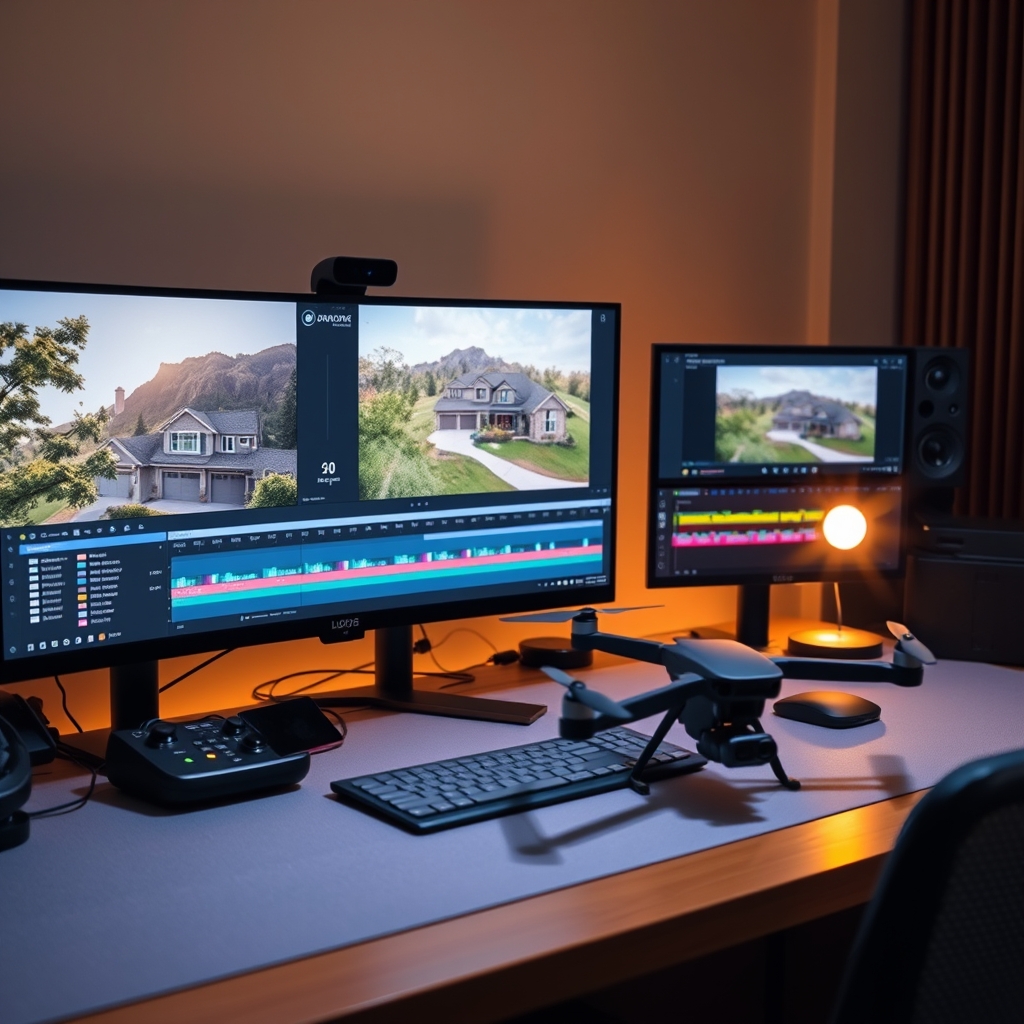
The aerial perspective has revolutionized real estate marketing. Drone footage adds cinematic scale to any property tour, but raw aerial clips alone won't wow clients. The magic happens in post-production—when you combine stable drone shots with fluid transitions that guide viewers seamlessly from sky to living room.
Why Drone Footage Elevates Real Estate Video Editing
For a real estate videographer, drones offer a unique selling point. They reveal property context, lot lines, and neighborhood amenities that ground-level shots miss. But without careful editing, drone clips can feel jarring. Smooth transitions are the glue that holds a property tour together, making the video feel like a cohesive story rather than a collection of clips.
Key Techniques for Smooth Transitions in Video Post-Production
Achieving buttery-smooth transitions requires both shooting and editing discipline. Here are the essential techniques our production team uses daily.
Stabilize and Trim for Cinematic Movement
Even with gimbal-stabilized drones, micro-jitters appear. Use software stabilization—but don't overdo it or you'll get warping. Trim excess footage so each clip serves a purpose. Cut on movement: end a drone clip as it moves forward, then cut to an interior shot that starts with a similar forward push. This creates a natural flow.
Speed Ramping for Dynamic Shifts
Speed ramps (gradually changing clip speed) add energy. For example, start a drone approach at 100% speed, ramp to 200% as it nears the house, then seamlessly transition to a slow interior reveal. This technique keeps viewer attention and hides any abruptness.
Matching Colors Across Ground and Aerial Shots
Drone cameras often have different color profiles than your ground camera. In video post-production, match white balance, saturation, and contrast so the property tour looks unified. A slight teal-and-orange grade can add a premium feel, but consistency matters more than style.
Using Whip Pans and Motion Blur Transitions
A whip pan from drone footage (quick horizontal pan) can transition to a similar whip inside the house. Or use a transition pack with motion blur to mask cuts. The key is to match the direction and speed of motion between clips. Our editors often use these to bridge aerial exteriors and interior details.
Audio Syncing and Ambient Sound
Don't neglect audio. Fade in outdoor ambience (wind, birds) during drone shots, then crossfade to interior silence or soft music. A subtle whoosh sound effect during transitions reinforces the visual smoothness.
Common Drone Editing Pitfalls to Avoid
- Overusing aerial footage: too many drone shots can disorient. Aim for 20-30% aerial in a typical property tour.
- Ignoring flight path logic: transition from a forward-moving drone shot to a static interior? That feels off. Match movement direction.
- Harsh cuts without context: Jumping from a high-altitude orbit to a bathroom faucet needs a transition that explains the change.
- Forgetting stabilization on export: Ensure your final render doesn't reintroduce jitter from compression.
Outsource Your Real Estate Video Editing for Flawless Results
Perfecting drone edits takes hours—time you could spend booking more shoots. That's where an outsourced video editing partner like Hoang Editor comes in. Our production team specializes in real estate video editing, delivering polished property tours with seamless transitions, color grading, and sound design. As a real estate videographer, you capture the footage; we handle the complex post-production.
Focus on flying and filming—let us handle the timeline.
Ready to scale your video business?
We edit real estate videos so you can focus on shooting.
Start a Project →