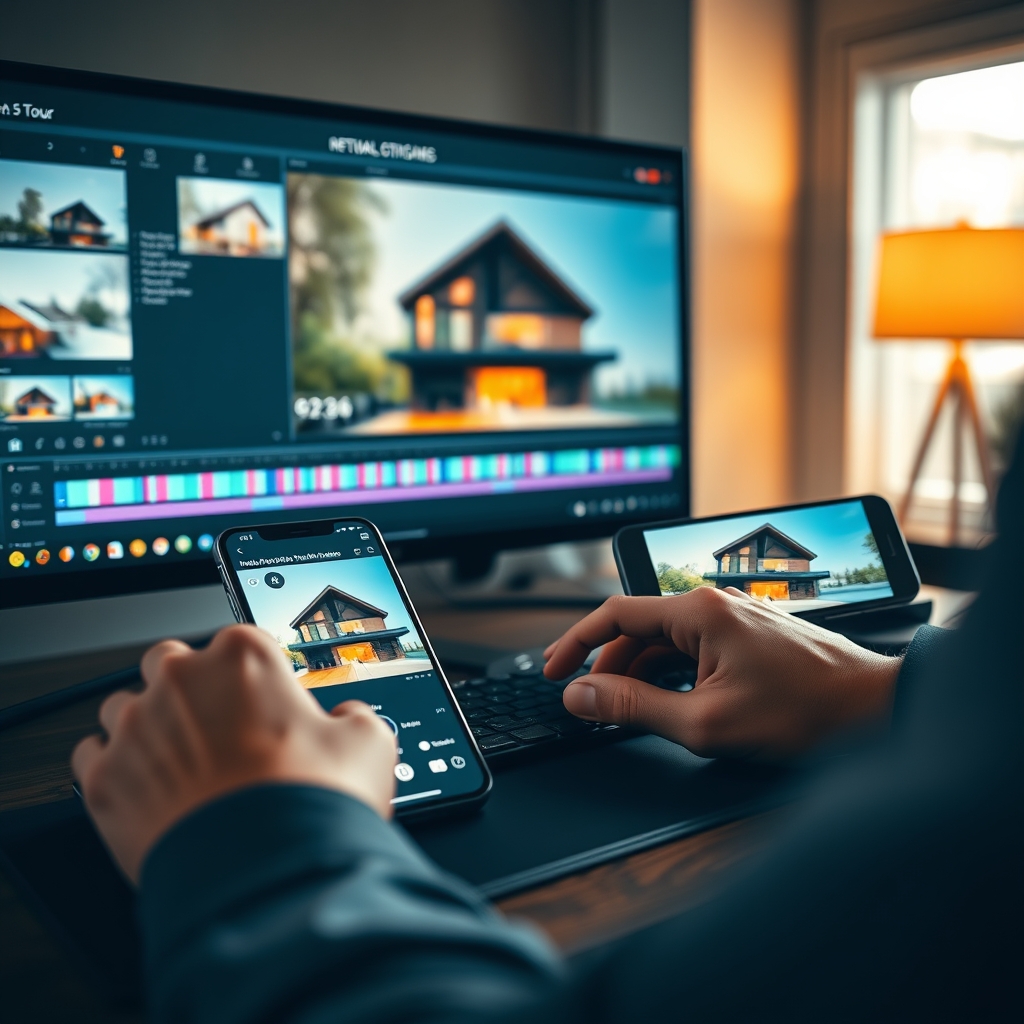
As a real estate videographer, you know that social media is no longer optional. Instagram Reels and TikTok have become prime platforms for showcasing properties, attracting clients, and building your brand. But editing for vertical video comes with unique challenges—especially when it comes to preserving the quality of your footage. In this guide, we'll break down the essential techniques to edit real estate videos for Reels and TikTok without sacrificing a pixel of quality.
Understanding Vertical Video Requirements
Before you start cutting, you need to understand the technical constraints of each platform. Both Instagram Reels and TikTok are designed for 9:16 vertical video, which means your footage must be framed accordingly. This doesn't mean you have to shoot vertically—many videographers shoot in 4K horizontal and crop in post. But if you crop, you lose resolution, so it's crucial to plan your shots with vertical framing in mind.
Aspect Ratio and Resolution
The ideal resolution for both platforms is 1080x1920 pixels (Full HD vertical) or higher if supported. Most modern smartphones and cameras can shoot 4K, which gives you plenty of room to crop without losing detail. When you export, always use the highest bitrate allowed—for Instagram Reels, aim for at least 3,500 kbps, and for TikTok, 5,000 kbps or more. This helps maintain sharpness even after the platform's compression.
Safe Zones and Text Placement
Vertical videos are viewed on mobile screens, so avoid placing important elements like property addresses or contact info too close to the edges. The safe zone is generally the center 80% of the frame. Also, remember that TikTok's UI overlays icons on the right side, and Instagram's Reels overlay shows captions and buttons at the bottom. Keep key visuals within the top two-thirds of the frame to stay clear of these overlays.
Pro tip: Always preview your edit on a phone before delivering—what looks fine on a desktop monitor may be cropped or hidden on a mobile screen.
Editing Techniques for High Impact
Social media audiences have short attention spans, so your editing needs to be punchy and engaging. Here are the top techniques used by professional real estate video editors.
Keep It Fast and Engaging
Reels and TikTok reward videos that hook viewers in the first 1-2 seconds. Start with a dramatic shot—a sweeping drone shot, a stunning interior reveal, or a fast-paced clip montage. Use quick cuts every 2-3 seconds to maintain energy. But don't overdo it; a property tour still needs to show the flow of the home. A good rule: use fast cuts for establishing shots and slower, more cinematic moments for key rooms like the kitchen or master suite.
Color Grading for Mobile Screens
Mobile screens are typically brighter and more saturated than computer monitors, so your color grading should be adjusted accordingly. Avoid overly dark or moody grades—they can look muddy on a phone. Instead, aim for a bright, airy look with balanced contrast. If you're outsourcing your video post-production, make sure your editing partner understands mobile color profiles.
Using Captions and Text Overlays
Many users watch social videos with sound off, so text overlays are essential. Include key property details like price, square footage, location, and unique features. Use bold, legible fonts that contrast with the background. Animated text can add a modern touch, but keep it subtle so it doesn't distract from the property itself.
Preserving Quality When Exporting
One of the biggest frustrations for real estate videographers is losing quality after uploading. Here's how to minimize compression artifacts.
Compression Settings for Reels and TikTok
Both platforms compress your video further after upload, so the goal is to give them the highest quality source file possible. Export in H.264 or H.265 codec, with a bitrate of 10-16 Mbps for 1080p vertical. For 4K exports, use 35-45 Mbps. Avoid exporting in variable bitrate (VBR) if you can—constant bitrate (CBR) reduces the chance of large quality swings. Also, disable any "optimize for web" settings in your editing software, as they often over-compress.
Avoid Over-Editing and Artifacts
Heavy use of sharpening, noise reduction, or excessive zoom can introduce artifacts that become worse after platform compression. Keep your edits clean—use subtle adjustments, and don't push the saturation or contrast too far. If your footage has grain, a light denoise pass is fine, but don't scrub it entirely; some natural texture helps hide compression blocks.
Outsourcing Your Social Media Edits
Editing vertical videos for multiple platforms can be time-consuming, especially if you're juggling multiple listings. That's where a video editing partner comes in.
Why a Video Editing Partner Helps
Outsourced video editing allows you to focus on shooting and client relationships while experts handle the post-production. A specialized real estate video editing service understands the nuances of social media formats, color grading for mobile, and platform-specific requirements. Whether you're a solo real estate videographer or part of a production team, partnering with a professional editor ensures consistent quality and faster turnaround times.
At Hoang Editor, we specialize in real estate video editing for social media. Our team knows exactly how to optimize your property tours for Reels and TikTok without losing the cinematic quality you worked hard to capture. From vertical cropping to color grading and caption design, we handle it all.
Ready to scale your video business?
We edit real estate videos so you can focus on shooting.
Start a Project →