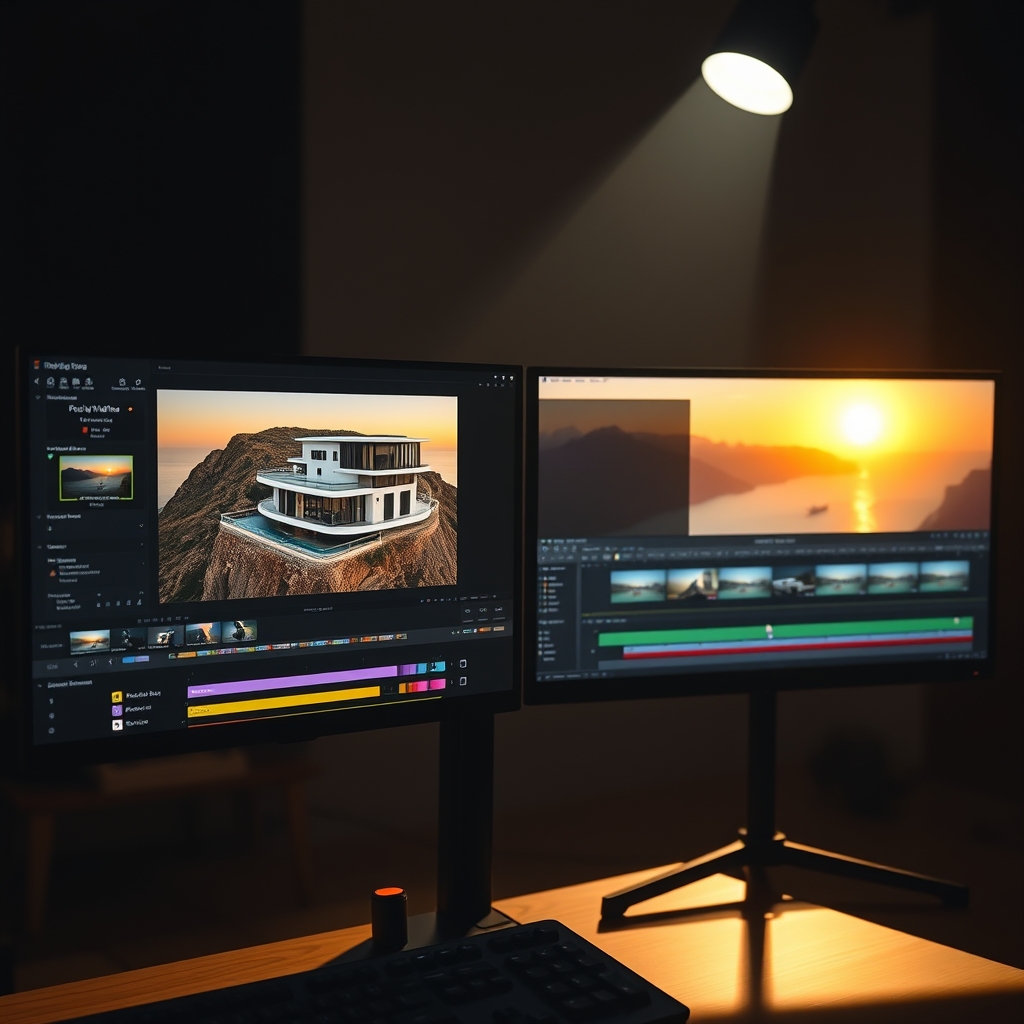
Aerial drone footage has become the secret weapon for luxury property marketing. It transforms a simple listing into a cinematic experience, showcasing sprawling estates, oceanfront views, and architectural grandeur from perspectives that ground-based cameras simply cannot capture. But raw drone clips rarely look like a high-end property tour straight out of the camera. That’s where professional real estate video editing and video post-production come in.
Why Drone Footage Elevates Luxury Real Estate Listings
Luxury buyers expect more than static photos and shaky walkthroughs. They want to feel the scale of the property, the flow of indoor-outdoor living, and the prestige of the location. Drone shots deliver that emotional impact. Yet, unedited aerial footage can be jerky, washed out, or inconsistent. A skilled editor turns these clips into a seamless property tour that holds attention and drives inquiries.
Step-by-Step Editing Workflow for Aerial Drone Footage
Here’s how to edit drone clips to match the quality of a luxury brand. Whether you’re a real estate videographer handling your own post work or a production team outsourcing to a video editing partner, these steps apply.
1. Stabilize and Smooth Every Clip
Even modern drones with gimbals produce micro-jitters, especially in wind. In your editing software, apply stabilization filters or use warp stabilizer tools to remove residual shake. But be careful not to over-stabilize, which can create unnatural warping. The goal is a buttery smooth, float-like movement that feels expensive.
2. Color Grade for a Premium, Cinematic Look
Luxury properties need rich, natural colors with a slight teal-and-orange or soft pastel grade. Start by correcting exposure and white balance, then add a subtle LUT or manual curves. Enhance the blues of water and skies, warm up interiors, and keep skin tones accurate if people appear. Consistent color across all clips is key for a polished video post-production finish.
3. Use Speed Ramping to Create Flow
Speed ramping—smoothly transitioning from slow motion to normal speed—adds drama and directs the viewer’s eye. For example, start a reveal shot slowly over the roofline, then speed up as you fly toward the pool. Keep ramps subtle; abrupt jumps break the luxury feel. Use keyframes to ease in and out.
4. Enhance Skies and Add Cinematic Transitions
Drone shots often capture blown-out skies or dull overcast days. Replace or enhance the sky with a more dramatic one using masks or sky replacement tools, but ensure it matches the lighting direction. For transitions between clips, avoid cheesy wipes. Use match cuts, whip pans, or subtle dip-to-black. Aerial footage pairs well with smooth zoom transitions that mimic the drone’s movement.
5. Sync with Music and Sound Design
Luxury property videos need an elegant soundtrack—think soft piano, ambient orchestral, or modern minimal beats. Cut your drone shots to the music’s beat and emotional peaks. Add subtle sound design like a gentle breeze or distant waves to bring the visuals to life. Proper audio mixing completes the property tour experience.
“The difference between an average drone video and a luxury listing is in the details: stable motion, rich color, and pacing that lets the property breathe.” – Hoang Editor Team
Why Outsource Drone Video Editing to a Specialized Partner
Editing aerial footage at a high level takes time, skill, and a trained eye. As a busy real estate videographer or production team, your time is better spent shooting and building client relationships. Outsourced video editing to a dedicated video editing partner like Hoang Editor ensures each drone clip is enhanced to its full potential—without the overhead of hiring in-house editors.
Our editors specialize in real estate content. We understand the nuances of luxury markets, from color grading waterfront properties to syncing action with music. You deliver the raw footage; we deliver a broadcast-ready real estate video editing result, often within 24-48 hours.
Final Thoughts
Drone footage can make or break a luxury listing. Invest in proper video post-production to turn spectacular aerial shots into a compelling story that sells the lifestyle. If editing isn’t your core strength, consider partnering with a professional team that lives and breathes real estate video.
Ready to scale your video business?
We edit real estate videos so you can focus on shooting.
Start a Project →