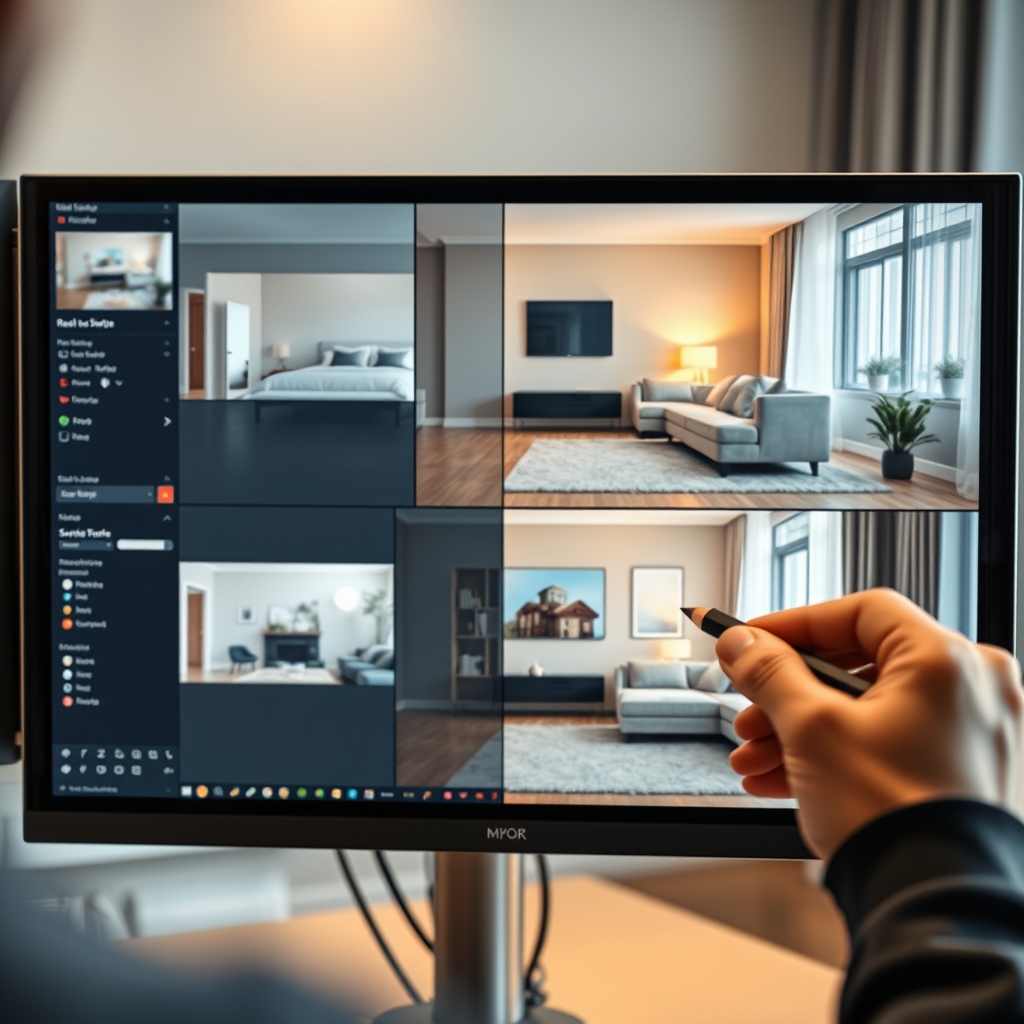
For real estate videographers, virtual staging has become a game-changer in property tour production. Instead of physically furnishing a vacant home, you can digitally add furniture, decor, and even adjust lighting to help buyers visualize the space. This post shares editing tips and tricks to elevate your real estate video editing with virtual staging, whether you handle video post-production in-house or work with an outsourced video editing team.
Why Virtual Staging Matters for Real Estate Videos
Empty rooms often look smaller and less inviting on camera. Virtual staging fills those spaces with realistic furniture, making the property feel like a home. This technique not only improves the visual appeal but also helps potential buyers connect emotionally with the space. For a real estate videographer, offering virtual staging as part of your video post-production services can differentiate you from competitors and increase client satisfaction.
Pre-Editing: Preparing Your Footage for Virtual Staging
Before adding digital elements, ensure your footage is clean and well-exposed. Shoot in high resolution and avoid extreme wide-angle distortion that can make staging look unnatural. Use a gimbal or slider for smooth movements—virtual staging software works best when the camera motion is predictable. Label your clips clearly so your outsourced video editing team can identify which rooms need staging.
Shooting Tips for Easier Staging
- Keep the camera level: Avoid tilted shots that complicate perspective matching.
- Record room dimensions: Note measurements or include a reference object to help the editor scale furniture accurately.
- Use consistent lighting: Shoot with natural light where possible, as virtual shadows blend more realistically.
Pro tip: Always capture a few seconds of the empty room from the same angle before the main take—this can serve as a clean plate for reflection removal or layering.
Virtual Staging Techniques in Post-Production
Once your footage is ready, the real magic happens in real estate video editing. Here are key techniques to master.
Adding Furniture and Decor
Using software like Photoshop, After Effects, or dedicated virtual staging tools, you can insert 3D furniture into each room. Match the perspective and scale to the camera's point of view. Pay attention to shadows—add soft shadows under furniture to ground them in the scene. For a seamless property tour, ensure the staging style stays consistent across all rooms.
Enhancing Lighting and Color
Virtual staging isn't just about objects. You can also enhance the lighting to make the space feel warmer. Adjust exposure, white balance, and add subtle glow effects to windows. Color grading your footage in the same pass as staging ensures a cohesive look. If you're working with a video editing partner, provide references for the desired mood.
Creating Smooth Transitions
Virtual staging can also elevate your transitions. For example, you can morph an empty room into a staged version as the camera moves. This before-and-after effect is highly engaging for listings. Use cross-dissolves or match cuts to maintain flow in the property tour.
Outsourcing Virtual Staging to a Video Editing Partner
Virtual staging adds significant time to your video post-production workflow. Many real estate videographers choose to outsource this task to a specialized video editing partner like Hoang Editor. Our team handles the technical heavy lifting—furniture insertion, shadow matching, color grading—so you can focus on shooting more properties. Outsourcing also gives you access to a full production team with expertise in real estate content, ensuring consistent quality across all your projects.
Common Mistakes to Avoid
- Overstaging: Adding too much furniture can make rooms feel cluttered. Keep it minimal and realistic.
- Mismatched perspective: Always double-check the vanishing points; even a slight error can make furniture look like it's floating.
- Ignoring reflections: Mirrors and glossy floors need staged reflections, otherwise the scene looks fake.
- Inconsistent style: Use the same furniture style and color palette throughout the property to maintain a cohesive look.
Virtual staging is a powerful addition to any real estate video editing toolkit. With the right techniques and possibly an outsourced video editing workflow, you can deliver stunning property tours that help listings sell faster.
Ready to scale your video business?
We edit real estate videos so you can focus on shooting.
Start a Project →