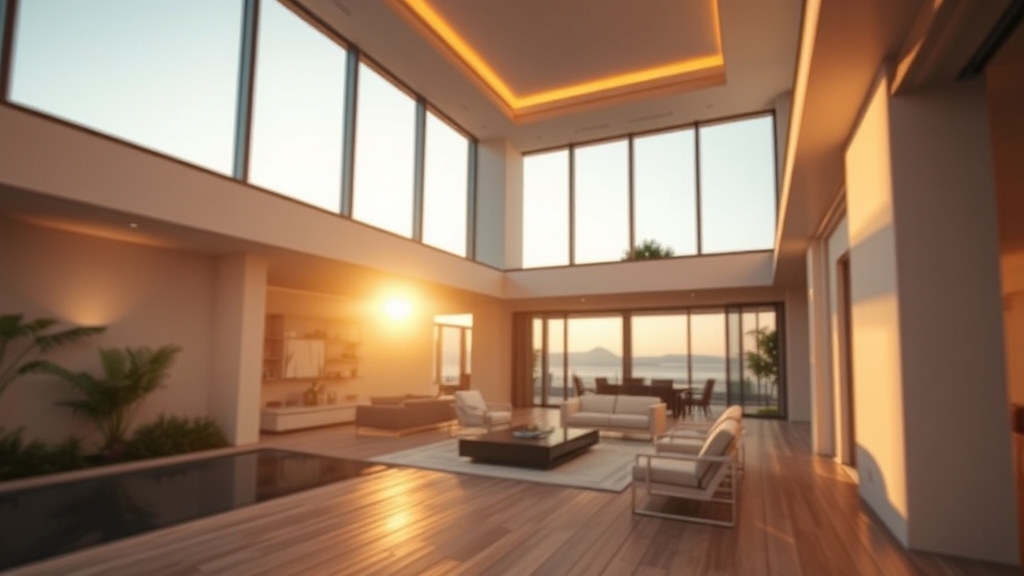
Real estate videos are a powerful tool for showcasing properties, but even the best footage can be ruined by poor editing. Whether you're a real estate agent, videographer, or DIY enthusiast, avoiding these common editing mistakes will elevate your listings and captivate potential buyers.
At Hoang Editor, we specialize in crafting professional real estate videos that sell. Let's dive into the most frequent errors and how to fix them.
1. Overusing Transitions and Effects
Flashy transitions like star wipes, spins, or excessive zooms can distract from the property. The goal is to let the home shine, not the editing gimmicks.
“Less is more in real estate video editing. Smooth, subtle transitions keep the focus on the property.”
How to fix it: Stick to simple cuts, cross dissolves, or fade to black/white. Use transitions sparingly—only to indicate a change in room or time of day.
2. Ignoring Audio Quality
Audio is often overlooked, but bad sound can make a video feel amateurish. Background noise, inconsistent volume, or no music at all can ruin the viewing experience.
Common audio mistakes:
- Using copyrighted music without permission
- Music that overpowers the narrator
- No ambient sound or silence in empty rooms
How to fix it: Use royalty-free or licensed music that matches the property's vibe (e.g., calm acoustic for a cozy home, upbeat for a modern condo). Adjust audio levels so narration is clear, and add subtle room tone to avoid dead silence.
3. Poor Color Grading and Lighting
Real estate videos often suffer from inconsistent color temperatures (e.g., warm indoors vs. cool outdoors) or overly dark shadows. This can make the property look uninviting.
How to fix it: Apply basic color correction to balance whites and exposure. Use LUTs or presets designed for real estate to create a warm, inviting look. Avoid over-saturating colors—keep it natural.
4. Too Many Cuts or Jump Cuts
Jump cuts (where the same shot is edited awkwardly) can make the video feel choppy. Similarly, cutting too quickly between rooms can disorient viewers.
How to fix it: Plan a logical flow: exterior → entryway → main living areas → bedrooms → bathrooms → outdoor spaces. Use B-roll footage (e.g., close-ups of fixtures, natural light) to bridge cuts. Keep each shot at least 3-5 seconds for comfortable viewing.
5. Neglecting the First 5 Seconds
Viewers decide within seconds whether to keep watching. Starting with a blank screen, a logo animation, or a shaky shot can lose them immediately.
How to fix it: Open with the best exterior shot in golden hour light, or a stunning interior wide shot. Add a brief title overlay with the property address. Hook them fast—save logos for the end.
6. Inconsistent Speed and Pacing
Some editors speed up walkthroughs to save time, but this can make the video feel rushed. Conversely, slow pans can bore viewers.
How to fix it: Use a steady, natural pace. For walkthroughs, match the speed to a comfortable walking pace. Use time-lapses only for sunrise/sunset or outdoor scenery, not interior rooms.
7. Forgetting to Include Key Details
Viewers want to see the selling points: updated kitchens, spacious closets, natural light, and unique features. Omitting these can hurt the listing.
How to fix it: Create a shot list with the agent beforehand. Highlight top features with slow zooms or text overlays. Include a floor plan or 3D tour link at the end.
8. Overloading with Text and Graphics
Too many text overlays, logos, or contact info can clutter the screen and distract from the property.
How to fix it: Keep text minimal: property address, price, and agent name/logo. Use lower thirds for agent info. Place graphics in corners or at the end of the video.
9. Not Optimizing for Mobile Viewing
Most buyers watch real estate videos on smartphones. Vertical or square videos often look awkward on mobile screens.
How to fix it: Edit in 16:9 landscape for YouTube/websites, but also create a vertical 9:16 version for Instagram Reels or TikTok. Ensure text is large enough to read on small screens.
10. Skipping the Final Review
Rushing to publish without reviewing can lead to errors like missing clips, audio sync issues, or typos in text overlays.
How to fix it: Watch the entire video twice—once for flow, once for technical details. Get a second opinion from a colleague or editor.
Conclusion: Let the Pros Handle It
Avoiding these common editing mistakes will transform your real estate videos from forgettable to unforgettable. But if you want flawless results without the hassle, Hoang Editor is here to help.
We specialize in professional real estate video editing that highlights every property's best features, with smooth transitions, perfect audio, and stunning color grading. Don't let editing mistakes cost you a sale.
Contact Hoang Editor today for a free consultation and see how we can elevate your listings.