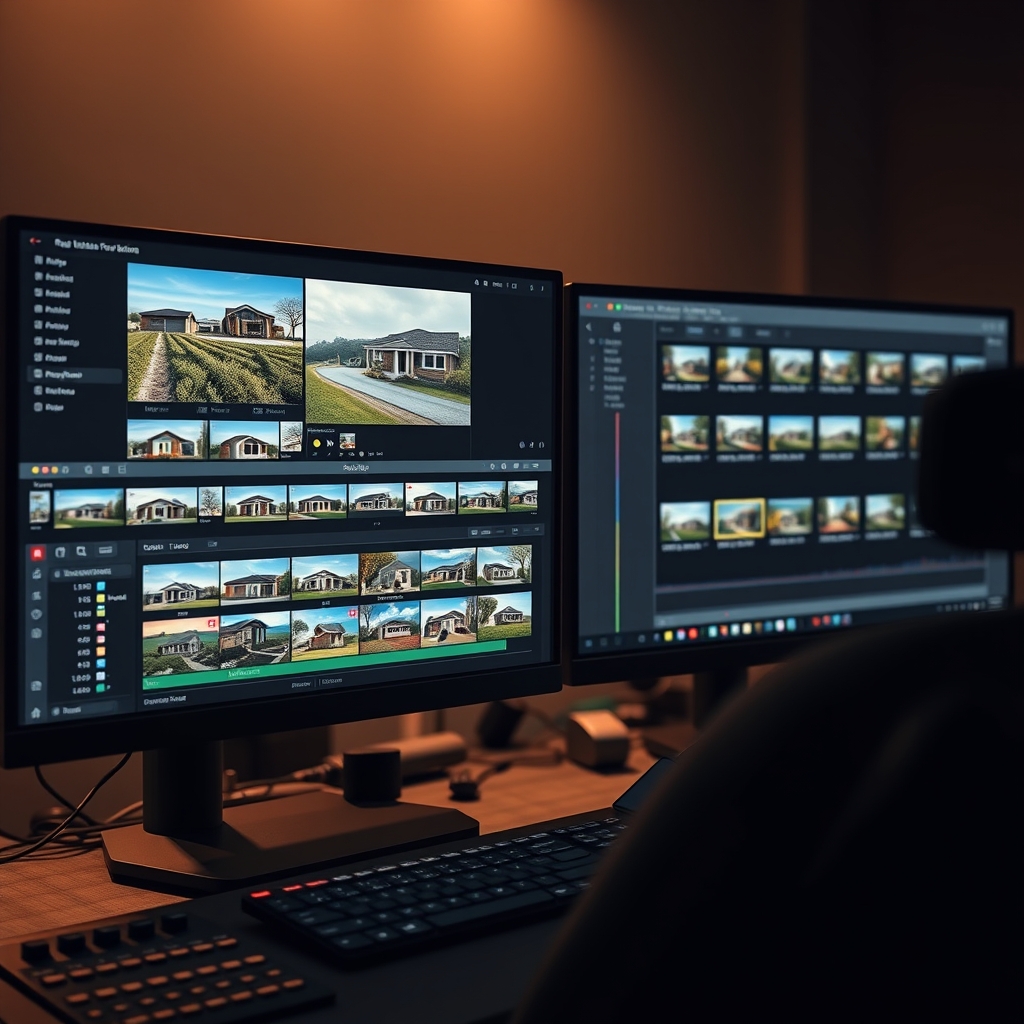
If you shoot multiple property tours every week, you know the bottleneck isn't usually filming—it's editing. As a real estate videographer or production team, your time is better spent on location than behind a timeline. That's where batch editing comes in. By grouping similar videos and applying a systematic workflow, you can dramatically increase your output without sacrificing quality. Here's how to make batch editing work for your high-volume real estate video editing pipeline.
Why Batch Editing Matters for Real Estate Videographers
Batch editing means processing multiple videos in one focused session rather than starting and stopping for each project. For real estate, this is especially powerful because property tours share similar structures: aerial opener, exterior shots, interior walkthrough, highlights of key rooms. When you edit ten videos in a row, you build momentum, reuse transitions and color presets, and cut your per-video time by up to 40%. The result? You can take on more clients or finally clear your backlog.
Build a Scalable Post-Production System
The foundation of batch editing is organization. Without it, you'll spend more time finding clips than cutting them.
Standardize Your File Structure
Create a template folder for every property: 01_Raw_Footage, 02_Audio, 03_Music, 04_Graphics, 05_Exports. Use consistent naming conventions like Address_Date_Camera_ClipNumber. This makes importing into your NLE a breeze and allows you to apply project templates instantly.
Create Reusable Project Templates
Set up a master project in Premiere Pro, DaVinci Resolve, or Final Cut Pro with your go-to color grade, intro/outro graphics, lower thirds, and audio track already in place. Then for each new property, duplicate the template and drop in footage. You'll eliminate repetitive setup tasks every single time.
Use Adjustment Layers and Presets
Save your color correction as a LUT or preset. Apply it to an adjustment layer across the whole timeline. Same for transitions like whip pans or speed ramps—save them as presets so you can drag and drop without re-keyframing.
Master the Batch Editing Workflow
Once your system is ready, follow this step-by-step process for a block of, say, five property tours.
Step 1: Ingest and Sync Everything First
Import all footage from all five shoots into your editing software. Create proxies if needed. Sync audio (if you recorded separately) for all projects before you start cutting. This way you're in "editing mode" and won't be interrupted by technical setup later.
Step 2: Rough Cut All Videos
Go through each property and do only the rough cut: select the best takes, place them in order, trim fat. Don't worry about polish yet. Do all five rough cuts back to back. This keeps you in a decisive, fast-paced mindset.
Step 3: Add Music and Sound Design
Now apply your selected music tracks to each timeline. Adjust volume levels, add whooshes for transitions, and ensure dialogue (if any) is clear. Doing this in batch helps you maintain consistent audio loudness across all videos—crucial for professional delivery.
Step 4: Color Grade and Add Graphics
Apply your saved LUTs or presets to every clip. Batch process color across projects. Then add lower thirds (address, price, agent info), intro/outro cards, and any branding. Again, use templates to make this nearly automatic.
Step 5: Export Everything in a Queue
Set up your export queue with all five videos, using your standard delivery settings (H.264, 4K or 1080p, high bitrate). Start the queue and walk away. Come back when it's done—or better, let your outsourced video editing partner handle this step entirely.
Leverage an Outsourced Video Editing Partner
Even with batch editing, there's a ceiling to how much you can do alone. That's why many high-volume production teams partner with a professional video post-production service. A dedicated video editing partner can take your raw footage and return polished property tours within 24-48 hours. You simply shoot, upload, and receive final videos ready for client delivery.
Batch editing is the engine, but outsourcing is the turbocharger. Combine both and you'll never be limited by your editing hours again.
When choosing an outsourced editor, look for one who understands real estate specifically—knows the importance of vertical shots for social media, quick pacing for attention, and accurate color representation of interiors. Hoang Editor specializes in exactly that: high-volume real estate video editing for busy videographers and production teams.
Tips to Keep Quality High While Batch Editing
- Create a QC checklist: After each batch, review each video for exposure, audio pops, missing transitions, and correct spelling on graphics.
- Use reference videos: Keep a "gold standard" property tour to compare against. Match pacing, shot selection, and color.
- Automate repetitive tasks: Use macros or keyboard shortcuts for common actions (ripple delete, apply transition, add adjustment layer).
- Time-block your editing: Dedicate specific hours to batch editing only—no emails, no calls. Distraction-free editing is faster editing.
Scale Your Production Team with Smart Batch Editing
Batch editing isn't about cutting corners—it's about working smarter. By standardizing your workflow and batching similar tasks, you can handle 3x the volume without hiring more editors. And when you pair that efficiency with a reliable outsourced video editing service, you create a scalable system where your production team can focus on what they do best: shooting amazing real estate content.
Ready to scale your video business?
We edit real estate videos so you can focus on shooting.
Start a Project →